

Download Copay Bitcoin Wallet – Free, Secure, Open-Source Bitcoin Wallet for iOS and Android
Overview
Copay Bitcoin Wallet is a free, open-source digital wallet designed for managing Bitcoin transactions securely across mobile platforms. Developed by BitPay, the software offers users a reliable way to store, send, and receive Bitcoin with a strong focus on privacy and encryption. The primary purpose of Copay is to serve as a decentralized financial tool, enabling individuals and businesses to conduct peer-to-peer transactions without relying on traditional banking infrastructure. It is particularly useful for cross-border payments, where speed and low fees are critical advantages over conventional wire transfers or credit card processing.
The target audience includes cryptocurrency enthusiasts, freelancers, remote workers, and businesses that require secure and efficient digital payment solutions. Copay’s support for multi-signature wallets makes it suitable for teams or organizations that need shared account control with layered access permissions. Its open-source nature ensures transparency, allowing developers and users to audit the codebase for security vulnerabilities. Real-world use cases include online purchases, international remittances, and digital asset management. The software was released on January 15, 2015, and remains available in English with a file size of 36.3 MB.
Key Features & Capabilities
- Open-Source Security: Copay is built on open-source principles, enabling full transparency and community-driven verification of its codebase. This reduces the risk of hidden backdoors or malicious components.
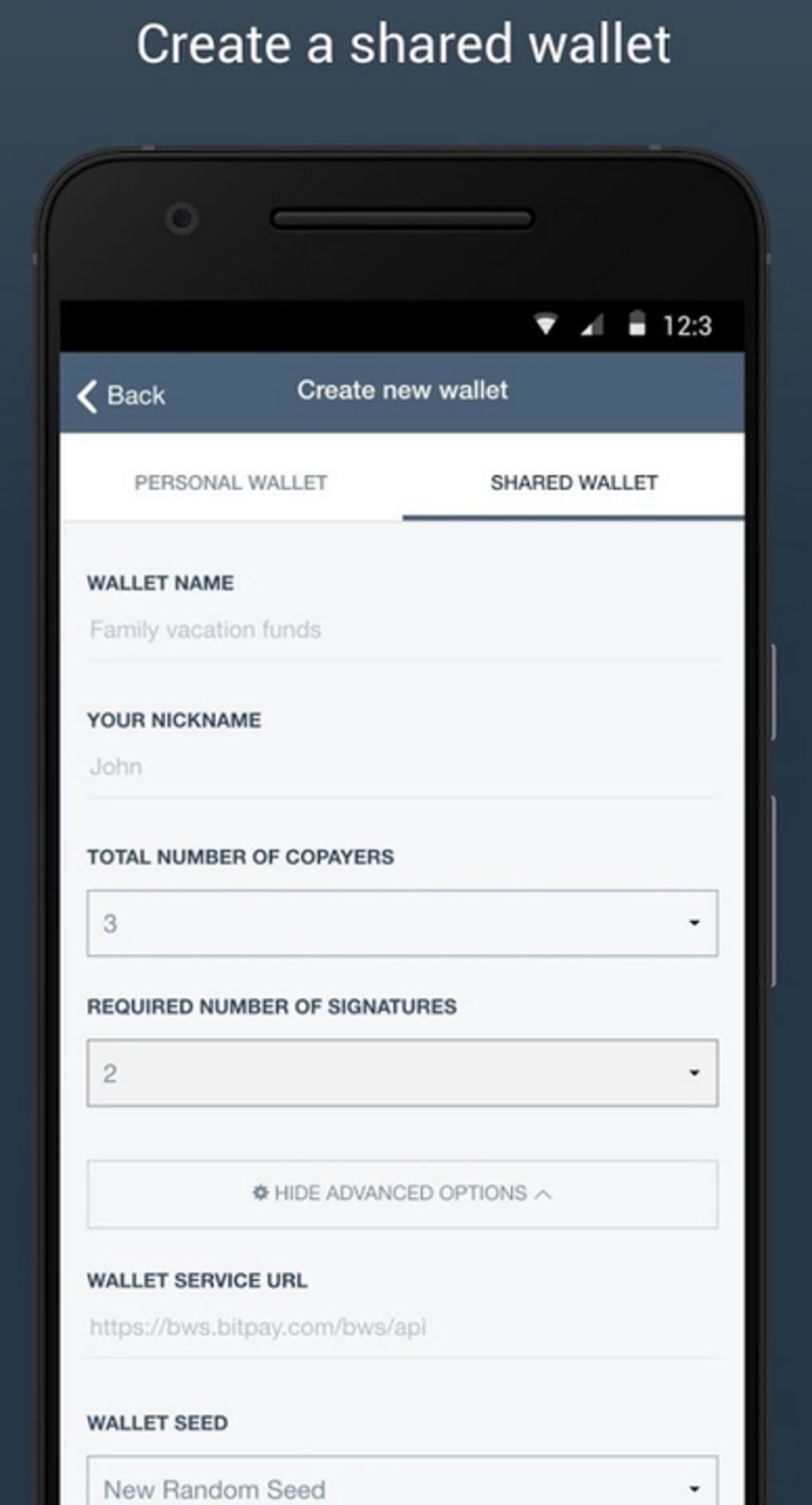
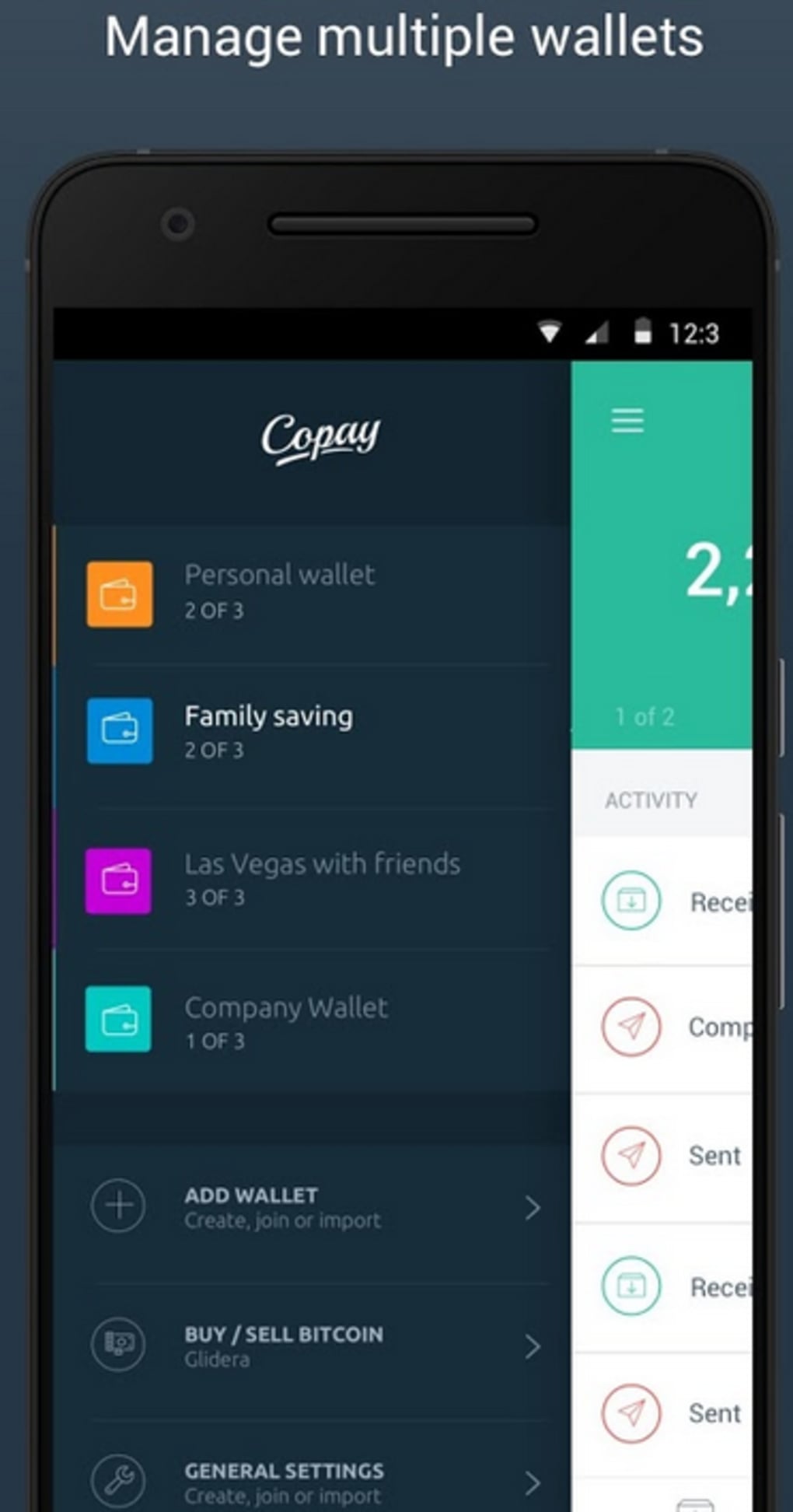
- Multi-Signature Wallets: Supports shared wallets requiring multiple approvals before a transaction can be executed, enhancing security for group or business accounts.
- Local Key Storage: Private keys are stored locally on the user’s device rather than in the cloud, minimizing exposure to centralized server breaches.
- Cross-Platform Access: Available on both iOS and Android, allowing users to manage their Bitcoin across multiple mobile devices.
- Multi-Currency Support: Offers conversion options for over 150 currencies, facilitating seamless exchange between Bitcoin and fiat values like USD or GBP.
- Third-Party Integration: Designed to integrate with external payment platforms, expanding usability in e-commerce and digital service environments.
These features enable users to securely send funds, manage shared accounts, and convert Bitcoin to local currency for spending. The multi-signature functionality is especially valuable for teams handling shared budgets or corporate funds, ensuring no single user can initiate a transaction without consensus.
User Interface, Workflow & Performance
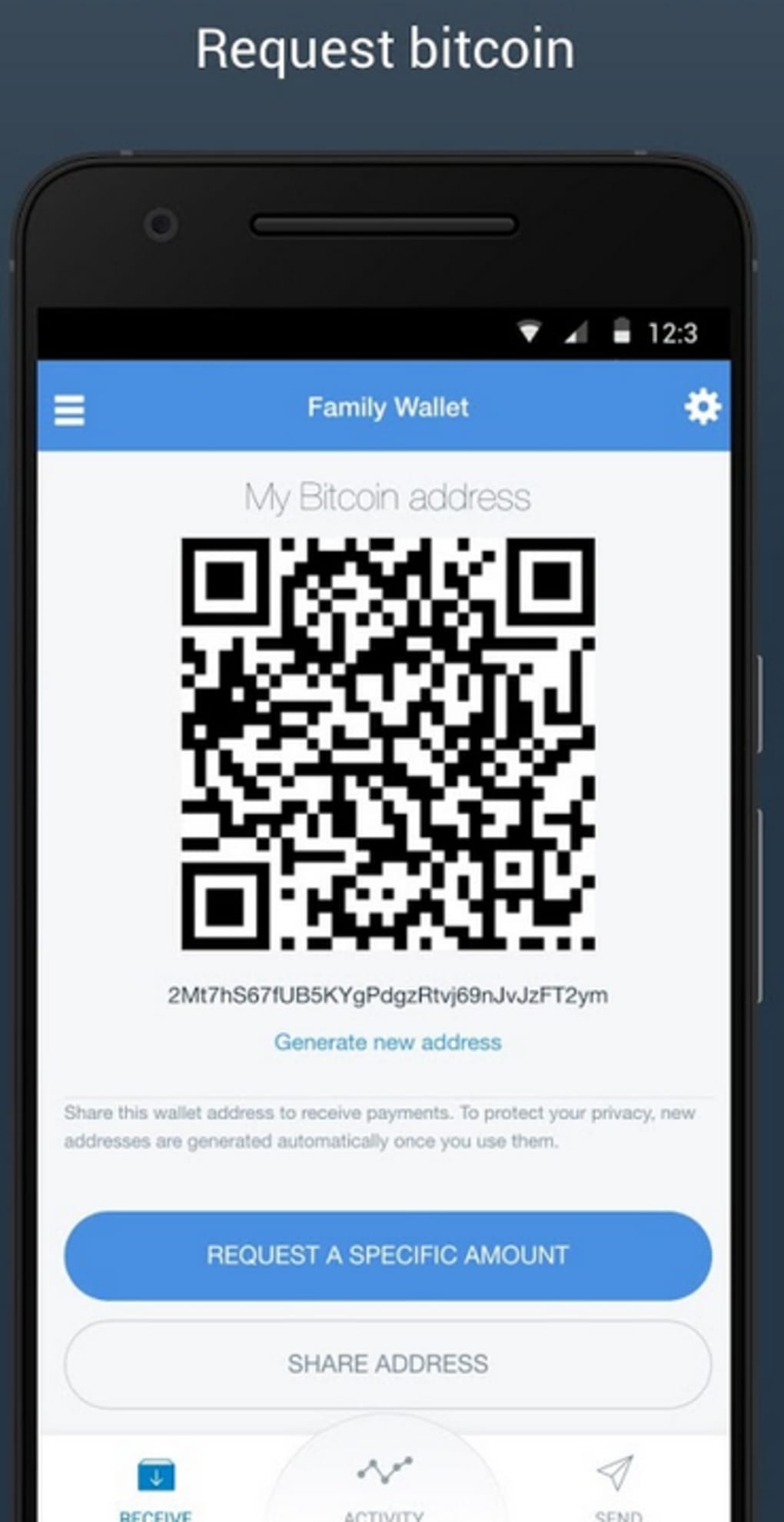
The user interface of Copay is designed for mobile environments, prioritizing clarity and ease of navigation. Users can access their wallet balance, transaction history, and send/receive functions through intuitive touch-based controls. The workflow for sending Bitcoin involves selecting a recipient, entering the amount, and confirming the transaction using a local authentication method—such as a PIN or biometric verification—depending on the device.
Navigation is streamlined, with key actions accessible from the main dashboard. While the developer did not specify resource usage details, the 36.3 MB file size suggests a lightweight application optimized for mobile performance. General software behavior patterns indicate efficient memory and CPU usage, typical of well-structured mobile apps. Stability appears consistent with long-term usage, though no official performance benchmarks were provided. The app maintains a responsive interface during routine operations, and no known crashes or freezes were reported in publicly available documentation.
Compatibility & System Requirements
Copay Bitcoin Wallet is compatible with iOS and Android operating systems. The software was released on January 15, 2015, and is available in English. The installation file size is 36.3 MB.
Exact system requirements were not listed, so users should ensure their devices meet the minimum specifications for running modern mobile applications. Platform compatibility information is limited to the two major mobile ecosystems, with no indication of support for desktop or web platforms. The developer did not provide additional system requirements.
Pros and Cons
Pros
- Free to download and use with no hidden fees
- Open-source code ensures transparency and security audits
- Multi-signature wallets enhance group account security
- Private keys stored locally for improved privacy
- Supports over 150 currency conversions
- Available on both iOS and Android platforms
Cons
- No official support for desktop or web versions
- Only available in English
- Performance details not publicly documented
- Relies on user responsibility for key backup and recovery
- May require technical understanding for advanced features like multi-sig setup
FAQ Section
Is Copay Bitcoin Wallet safe to use?
Yes, Copay is considered secure due to its open-source design, local key storage, and multi-signature support. However, users must safeguard their private keys and recovery phrases to prevent unauthorized access.
Can I use Copay on my PC or Mac?
Currently, Copay is only available as a mobile application for iOS and Android. There is no official desktop or web version released by the developer.
Does Copay require an internet connection?
Yes, an active internet connection is required to send, receive, or verify Bitcoin transactions. Offline mode is not supported for transaction processing.
Is Copay free to download?
Yes, Copay is completely free to download and use. There are no subscription fees or transaction costs within the app itself.
How do I recover my wallet if I lose my device?
Recovery depends on the user’s backup of the wallet’s recovery phrase or seed. If this is not saved securely, access to funds may be permanently lost.
Final Thoughts
Copay Bitcoin Wallet remains a solid choice for users seeking a secure, open-source solution for managing Bitcoin on mobile devices. Its multi-signature capabilities, local key storage, and support for global currency conversions make it a powerful tool for both individual and collaborative financial operations. While it lacks desktop support and is limited to English, its strengths in privacy, transparency, and cross-border utility outweigh these limitations for many users. For those who value decentralization and security in digital finance, Copay delivers a reliable experience. Download Copay now.






.png)
